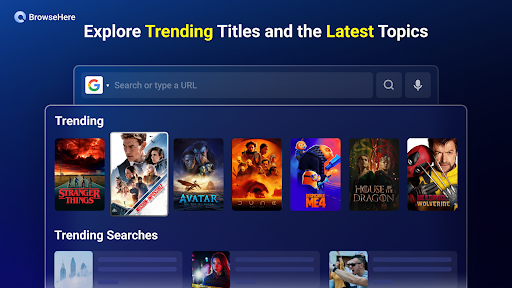
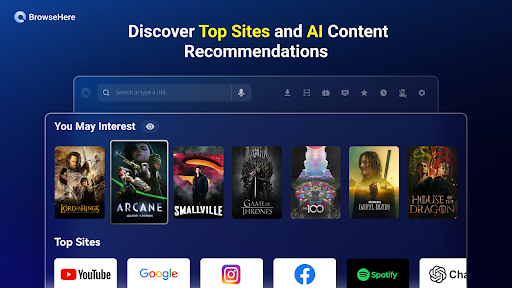
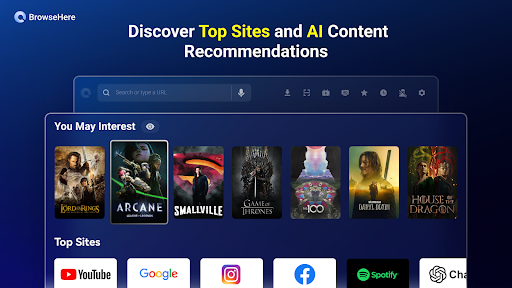
Browser TV Web – BrowseHere opens up a world of possibilities for your smart TV, transforming it into a powerful browsing hub. This innovative solution allows you to access the full web directly from your television screen, offering unparalleled convenience and a truly immersive online experience. Navigate websites, stream content, and interact with online services with an ease you’ve never thought possible on your TV.

Browser TV Web – BrowseHere
TCL Group
Download
7.4 MB
Browser TV Web – BrowseHere Screenshots


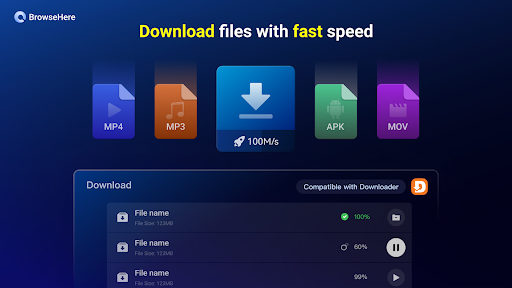
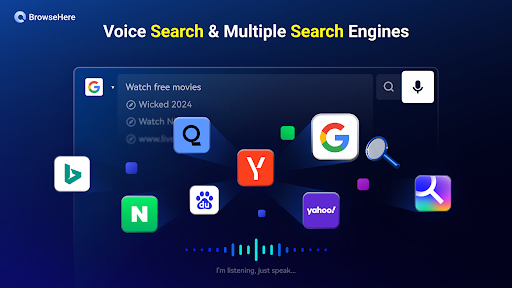
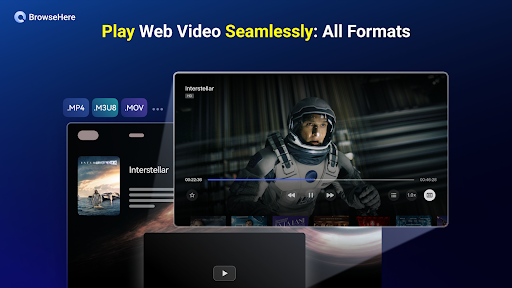
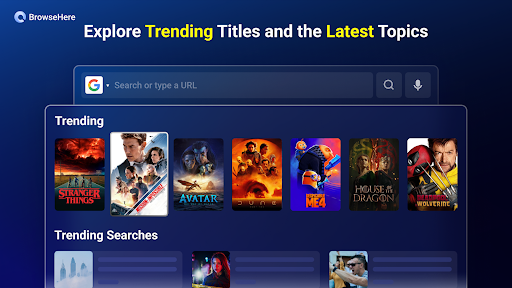

1 / 25
7.4 MB
Size
8.0.770
Version
6.0+
Android
Universal
Arch
About Browser TV Web – BrowseHere
Browser TV Web – BrowseHere opens up a world of possibilities for your smart TV, transforming it into a powerful browsing hub. This innovative solution allows you to access the full web directly from your television screen, offering unparalleled convenience and a truly immersive online experience. Navigate websites, stream content, and interact with online services with an ease you’ve never thought possible on your TV.
Seamless Smart TV Integration
Experience the web like never before with seamless integration into your smart TV ecosystem. This tool is designed to work effortlessly with a wide range of smart TV operating systems, ensuring a smooth and intuitive user experience. Imagine browsing your favorite news sites, social media feeds, or even online shopping portals directly on your large screen, all without the hassle of connecting external devices. The setup is straightforward, allowing you to dive into a richer online world on your TV in minutes.
Intuitive Navigation Controls
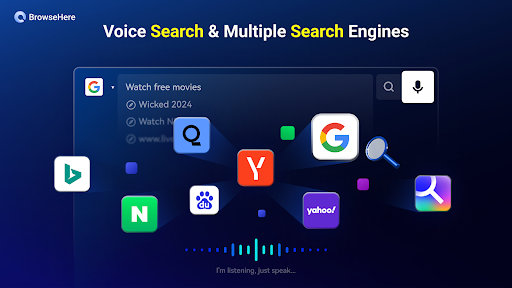
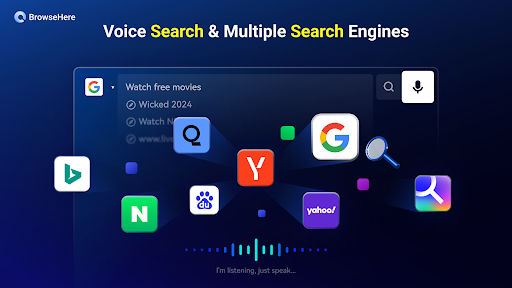
Navigating the web on a large screen requires a thoughtful approach to controls, and this platform excels in this area. It offers a suite of intuitive navigation options tailored for TV use. Whether you’re using your TV remote, a connected keyboard and mouse, or even voice commands on supported devices, you’ll find controlling your browsing experience remarkably simple. This focus on user-friendliness ensures that everyone in the family can easily access and enjoy the web on their television.
Enhanced Streaming Capabilities
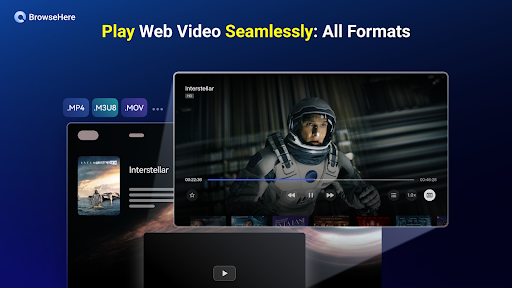
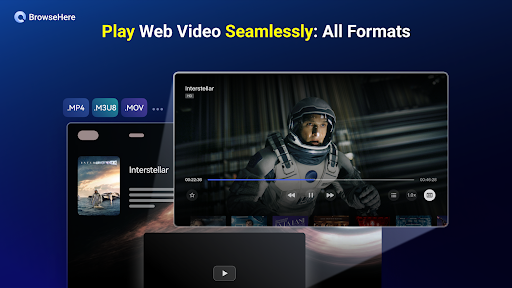
Beyond basic web browsing, this solution significantly enhances your streaming capabilities. Access a broader range of streaming services that might not be natively available on your TV’s app store. Enjoy online video platforms, catch up on missed episodes, or explore new content directly through the browser. The robust engine ensures smooth playback and high-quality streaming, making your smart TV a more versatile entertainment center than ever before.
Privacy and Security Focus
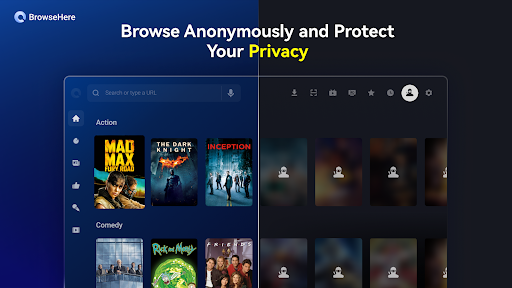
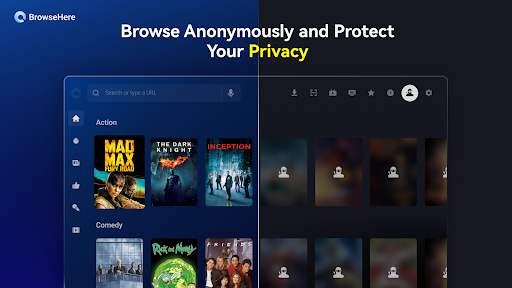
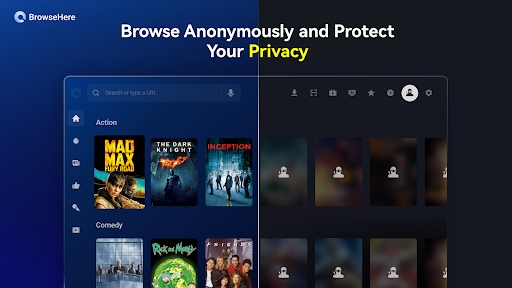
Understanding the importance of online privacy and security, this browsing tool incorporates essential features to protect your data. It offers private browsing modes, cookie management, and secure connection options to ensure your online activities remain confidential. Browse with confidence, knowing that your personal information is safeguarded while you explore the vastness of the internet on your television. This commitment to security provides peace of mind for all users.
Frequently Asked Questions
Browser TV Web – BrowseHere offers a unique blend of robust features, intuitive navigation specifically designed for television, and enhanced streaming capabilities, making it a superior choice for your smart TV web browsing needs.
Yes, Browser TV Web – BrowseHere is available for free, offering a comprehensive web browsing experience on your smart TV without any initial cost.
Absolutely! Browser TV Web – BrowseHere allows you to access and interact with all your favorite social media platforms directly on your television screen.
Additional APP Information
Package Name
com.tcl.browser
Developer
TCL Group
Category
Updated
Mar 3, 2026
Content Rating
Everyone
Signature
8b4e815d15cf8967484c39206d830372fe6befcc
Get it On

You are now ready to download Browser TV Web - BrowseHere for free. Here are some notes:
- Please read our APK Info and installation instructions carefully for the game & app to work properly
- Read the FAQ carefully for more details
4.6/5 (1,046 votes)